Advice

October 15, 2026

By: Zara Sahota

What Size TV Unit Do I Need? (TV Size → Width Chart)

When choosing the right TV unit, it should complement your screen, suit the proportions of your living room and offer practical storage for everyday living. 

As a general rule, your TV unit should be at least 10-30cm wider than your television, allowing approximately 5–15cm of space on either side. Whether you're styling a compact living room or creating a dedicated entertainment space, this TV unit size guide will help you find the right fit. 


Quick guide: 

  • 55-inch TV: Look for a 140-160cm TV unit 

  • 65-inch TV: Look for a 160-180cm TV unit 

  • 75-inch TV: Look for a 180-200cm TV unit 

  • 85-inch TV: Look for a 200-240cm TV unit 


Explore OZ Design's range of TV and entertainment units to find a design that brings style and function together.

The golden rule: choose a TV unit wider than your TV


Your entertainment unit should ideally extend beyond the width of your television by around 5-15cm on each side. 

This creates visual balance, prevents the television from appearing oversized and leaves space for decorative pieces or everyday essentials. 

If your television is wall-mounted, the unit doesn't need to physically support it, but choosing a wider design can still create a more balanced and considered look. 

Remember that TV sizes are measured diagonally across the screen, not horizontally. A 65-inch TV is not 165cm wide, so always check the actual dimensions before choosing your furniture. 

51.jpg51.jpg

TV size to recommended unit width (chart) 


Use this chart as a starting point for common 16:9 televisions. 


TV size 

Approx. TV width 

Recommended TV unit width 

43 inch 

95cm 

110–140cm 

50 inch 

111cm 

120–150cm 

55 inch 

122cm 

140–160cm 

60 inch 

133cm 

150–170cm 

65 inch 

144cm 

160–180cm 

70 inch 

155cm 

170–190cm 

75 inch 

166cm 

180–200cm 

85 inch 

188cm 

200–240cm 


Measurements are approximate. Actual television widths vary by model and bezel design. Recommended unit widths are styling guidelines, not guarantees of compatibility. 

If you have the space, choosing a slightly wider entertainment unit can help anchor the television and provide additional room for storage and styling. 

Getting the height right: finding eye level 


The most comfortable TV viewing height generally places the centre of the screen close to your seated eye level. 

A TV positioned too high can make viewing less comfortable, particularly during longer movie nights or when watching from a low-profile sofa. 

52.jpg52.jpg

To find the right height: 

  1. Sit comfortably on your sofa in your usual viewing position
  2. Measure the height of your eyes from the floor
  3. Check the height of the TV unit and television, including its stand
  4. Aim to position the centre of the screen close to seated eye level 


A low-profile entertainment unit can work particularly well with larger screens, while a taller cabinet may be better suited to smaller televisions or rooms with higher seating. 

Measuring your space & components 


Before choosing a TV unit, measure more than just the television. The unit needs to fit comfortably within your living room while accommodating any devices and accessories. 


1. Measure your television 

Record the actual width, height and depth of your TV, including its stand if it will sit directly on the unit. Check the distance between the TV's feet, as some models have wide-set legs that require a larger supporting surface. 


2. Measure your available wall space 

Measure the width of the wall or area where your entertainment unit will sit. Consider nearby windows, doorways, power points and surrounding furniture. A large unit can create a beautiful focal point, but it shouldn't overwhelm the room. 


3. Check the unit depth 

Depth is particularly important in smaller living rooms. Make sure the unit doesn't project too far into walkways or sit too close to your coffee table. If your TV will sit on top, confirm that its stand fits securely within the usable surface depth. 


4. Allow for additional components 

Consider everything you plan to store in or around the unit, including: 

  • Gaming consoles 

  • Soundbars and speakers 

  • Streaming devices 

  • Remotes and accessories 

  • Media equipment 

  • Decorative homewares 

Measure your largest devices before buying and check the internal dimensions of shelves, drawers and compartments. 

Storage & cable management 


The best TV unit should provide enough storage for your entertainment essentials while keeping your living room feeling organised. Different storage configurations offer different benefits depending on how you use your space. 

Open shelving 


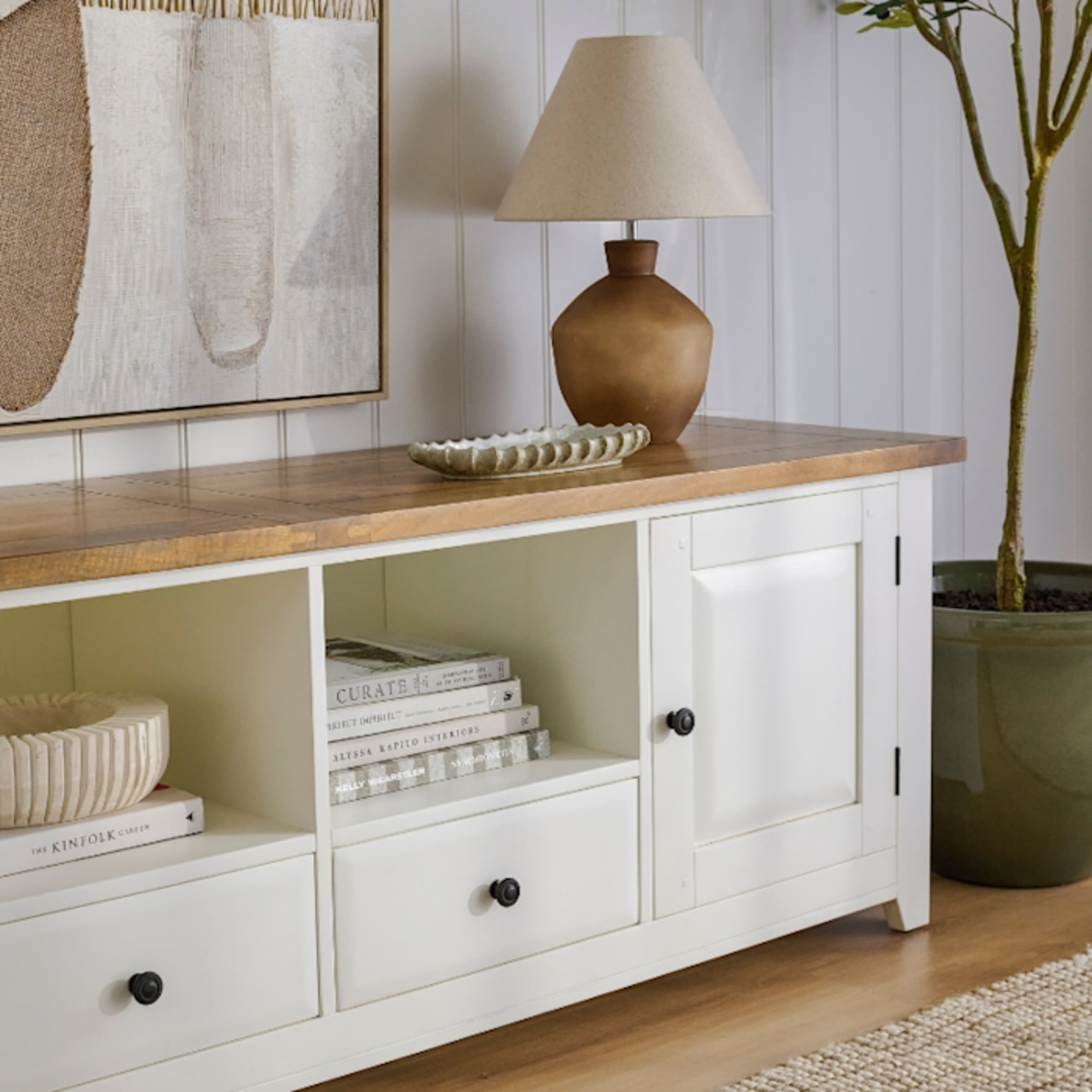
Open compartments provide easy access to gaming consoles, streaming devices and frequently used electronics. 

They can also allow for airflow around equipment, although it's important to follow the manufacturer's ventilation requirements.

53.jpg53.jpg
54.jpg54.jpg

Closed cabinets and drawers 


Closed storage is ideal for keeping remotes, accessories and everyday clutter out of sight. 

Choose a design with a combination of drawers and cupboards if you want a cleaner, more streamlined living room.

Cable management 


Before buying, check whether the unit includes cable openings or suitable access behind its compartments. 

Consider where your power points are positioned and how cables will connect to the television, soundbar and other devices. 

For a cohesive living room, consider pairing your entertainment unit with complementary living room storage, such as a buffet, cabinet or shelving unit. 

55.jpg55.jpg

Recommended OZ TV units by TV size 


OZ Design offers a range of entertainment units in different widths, materials and finishes, from compact timber designs to generous statement pieces. 


For 43–55 inch TVs: 140–160cm units 

A 160cm entertainment unit is a versatile option for smaller televisions and compact living spaces. 

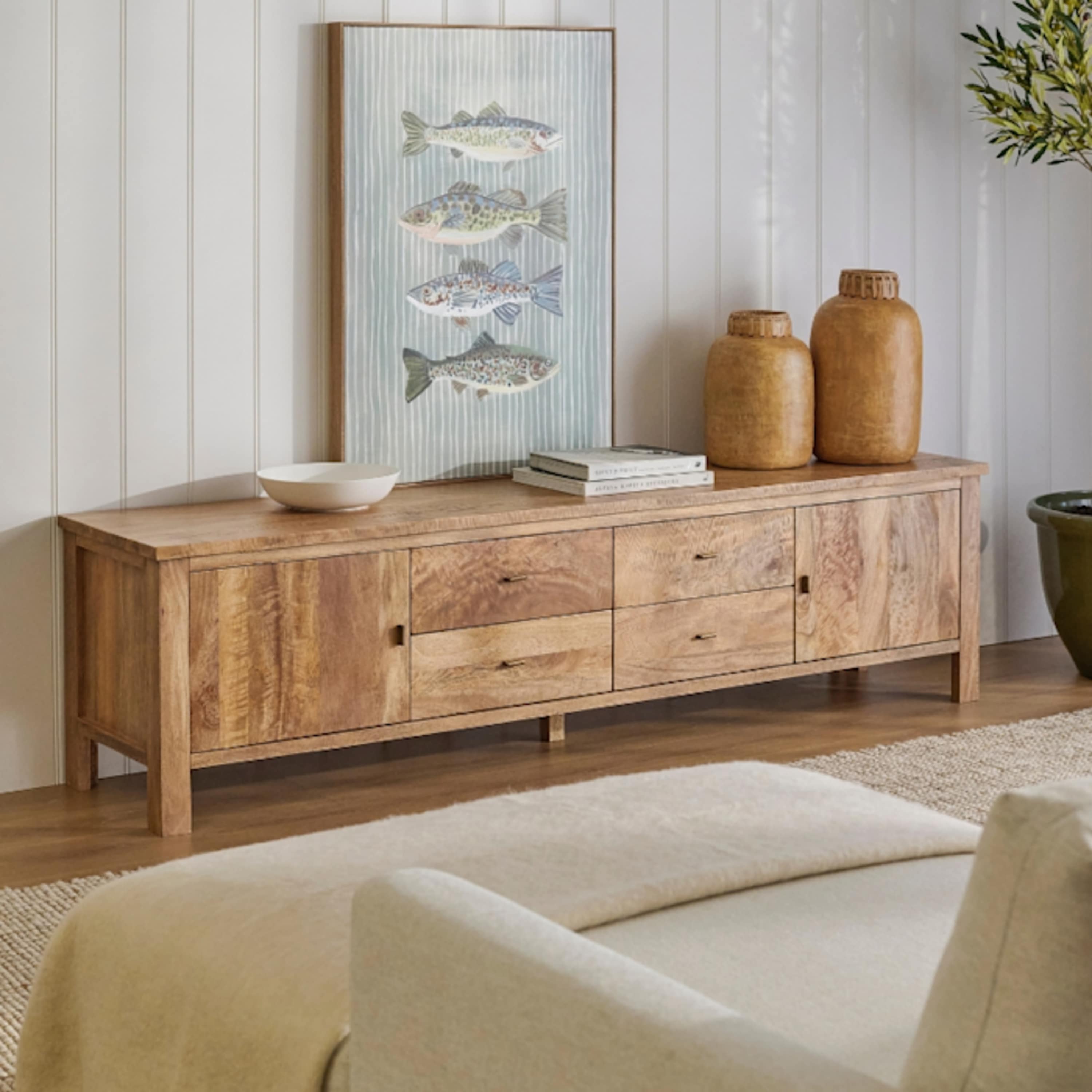
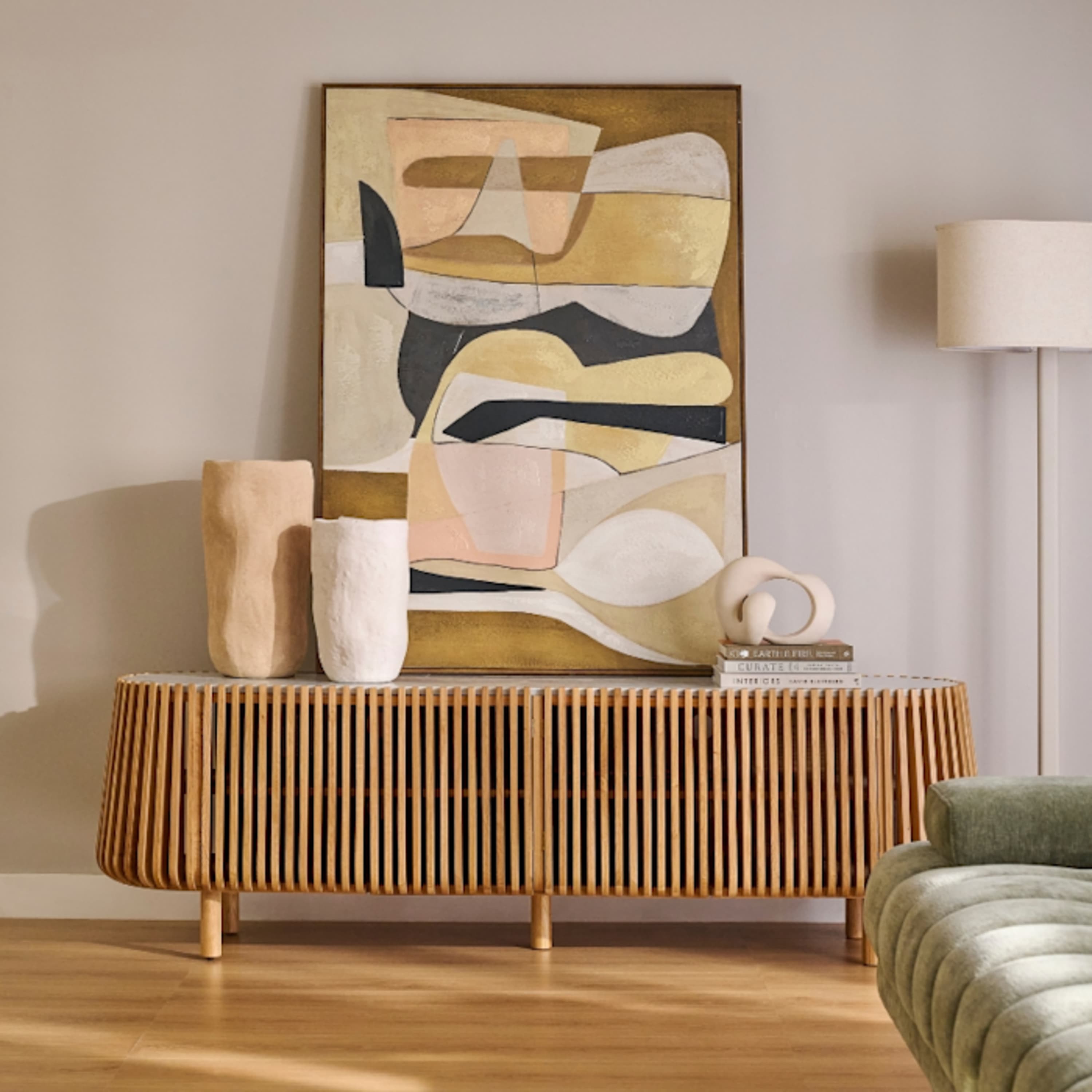
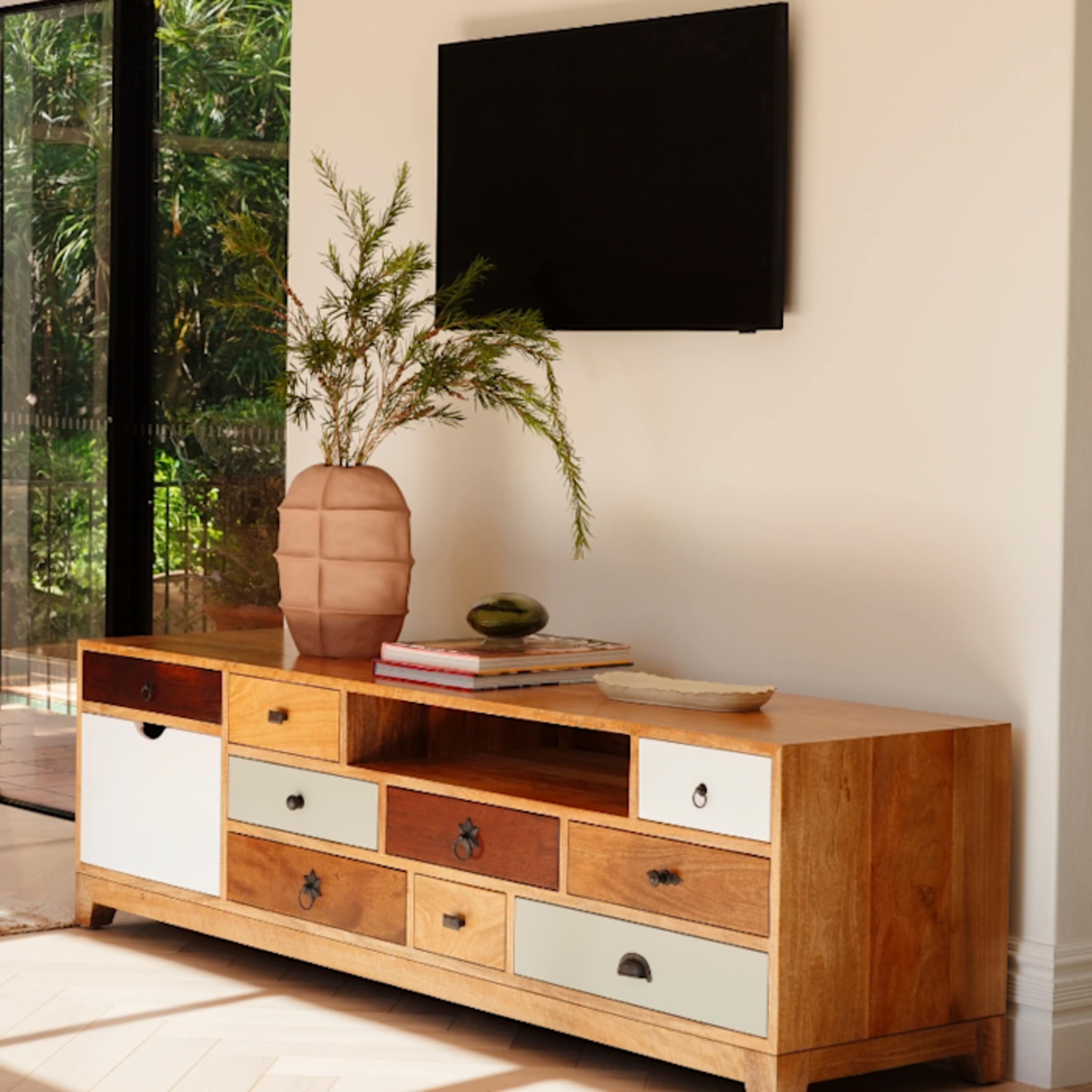
The Sorrento Entertainment Unit 160cm, crafted from mangowood in a Havana finish, introduces natural warmth and rustic character. For something with a more mid-century influence, the Sari Entertainment Unit 160cm features tapered legs and practical storage. 


For 65 inch TVs: 160–180cm units 

A 65-inch television pairs well with an entertainment unit around 160–180cm wide. 

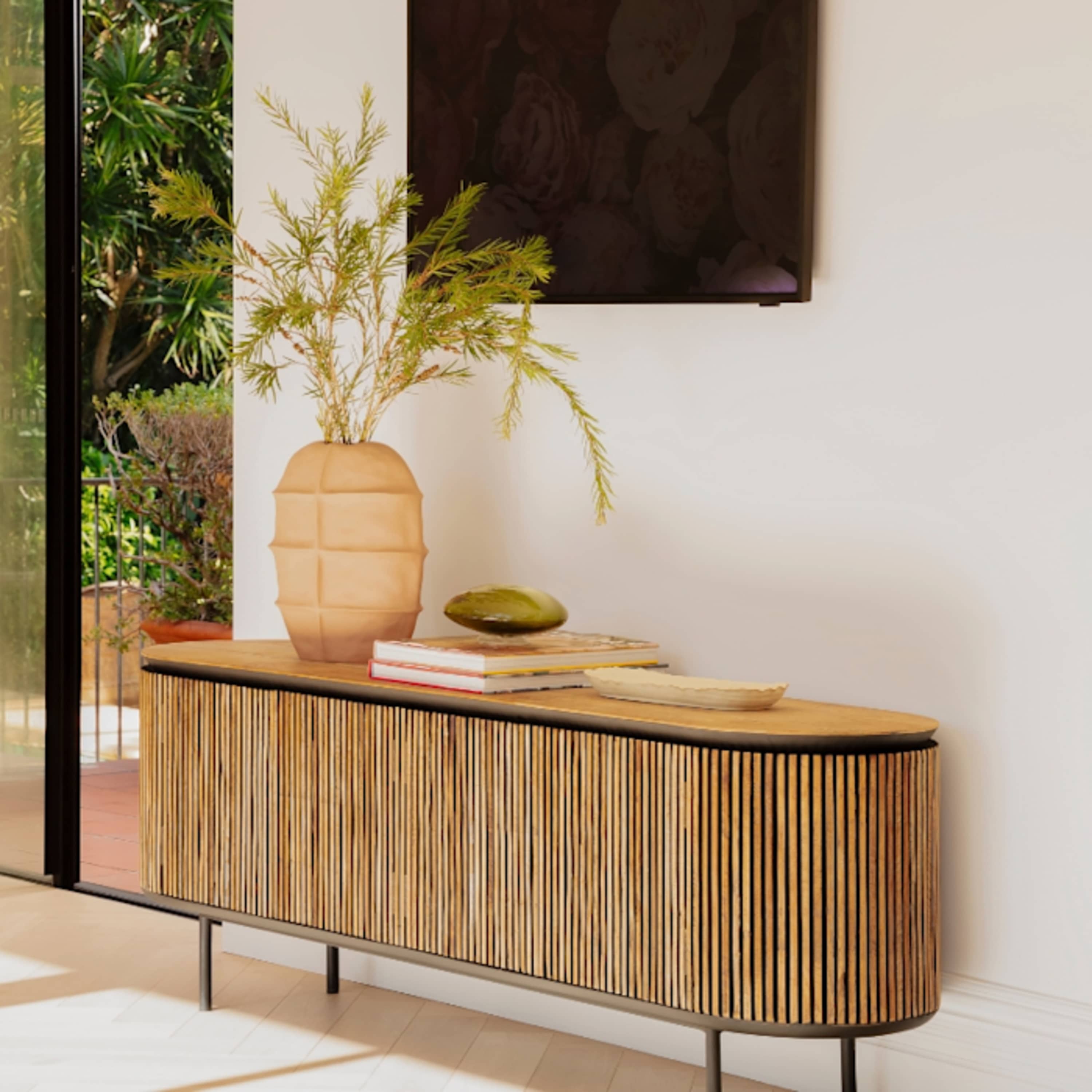
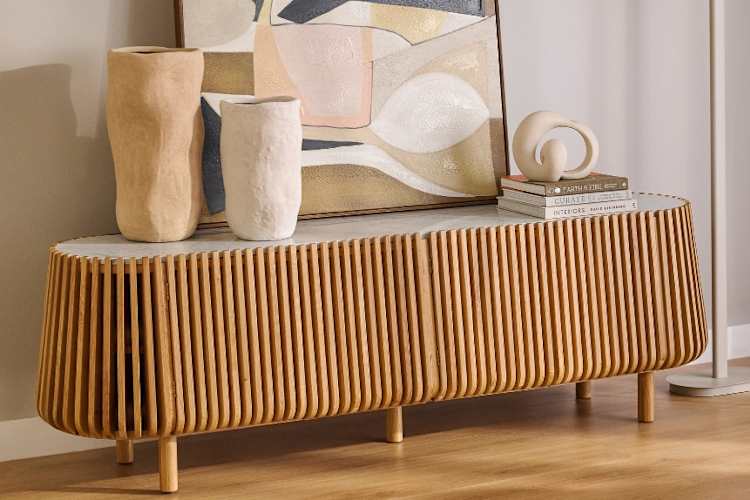
The Gabino Entertainment Unit 180cm brings texture and character through Australian Messmate timber and fluted detailing. 

Alternatively, the Charles Entertainment Unit 180cm offers another timber option for a considered living room setting. 


For 75 inch TVs: 180–200cm units 

For a larger 75-inch television, look towards entertainment units around 180–200cm wide. 

The Melba Entertainment Unit 200cm, crafted from Western Australian Marri, introduces rich timber character, while the Pila Entertainment Unit 200cm combines American Oak with Italian Travertine for a statement finish. 


For 85 inch TVs: 200–240cm units 

An 85-inch television benefits from a wider entertainment unit, ideally around 200–240cm. 

The Avoca Entertainment Unit 220cm offers generous proportions and the natural warmth of Australian Messmate timber, while the Como Entertainment Unit 210cm is another modern option for larger living spaces. 


Browse the complete range of TV and entertainment units to compare dimensions, materials and storage configurations. 

Find your perfect entertainment unit at OZ Design 


From compact designs for smaller living rooms to generous statement pieces made for movie nights and entertaining, OZ Design's TV and entertainment unit collection brings together considered design, practical storage and natural materials. 

Explore Australian timbers, fluted detailing, sculptural silhouettes and contemporary finishes across a range of sizes and styles. Pair your entertainment unit with complementary living room storage to create a cohesive space made for everyday living. 

Because the right entertainment unit should do more than accommodate your television. It should feel right at home.

Frequently Asked Questions

The best TV unit size is generally 10–30cm wider than your television, allowing around 5–15cm of space on either side. 

For example, a 55-inch TV typically pairs well with a 140–160cm unit, while a 75-inch TV suits approximately 180–200cm. 

Also consider your wall dimensions, viewing height and storage needs. 

Yes, most 65-inch TVs will fit on a 160cm entertainment unit, provided the stand fits securely and the unit supports the television's weight. 

A typical 65-inch television measures approximately 144cm wide, leaving around 8cm on either side of a 160cm unit. 

For a more generous look, consider a 180cm entertainment unit. 

A typical 55-inch television measures approximately 122cm wide, making it slightly wider than a 120cm TV unit. 

While some televisions may physically sit on a smaller cabinet if their stands fit, a 140–160cm unit is generally a better choice for visual balance and additional surface space. 

Always check the TV's stand dimensions and the unit's load capacity. 

Yes, a 75-inch television will generally fit on a 180cm entertainment unit, provided its stand and weight are compatible. 

A typical 75-inch TV measures approximately 166cm wide, leaving around 7cm on either side. 

If your living room allows, a 200cm unit can create a more generous, balanced look. 

Start by keeping the area immediately surrounding your television relatively simple. 

Add a small selection of decorative pieces, such as a sculptural vase, stacked books or a decorative bowl, while leaving enough clear space for the screen and any soundbar. 

Choose objects with varied heights and textures, and avoid placing anything that obstructs your view. 

A TV cabinet can be styled to feel like a natural extension of your living room rather than simply a place for electronics. 

Try combining timber, ceramics, greenery and decorative objects in a complementary colour palette. 

For a balanced look, group objects in small arrangements rather than spreading them evenly across the entire surface. Keep cables concealed and allow some negative space so the overall setting feels considered rather than cluttered.